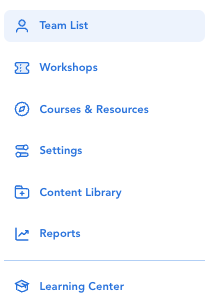
(1) Click 'Team List' from the left side navigation.
(2) Click on the learner's name.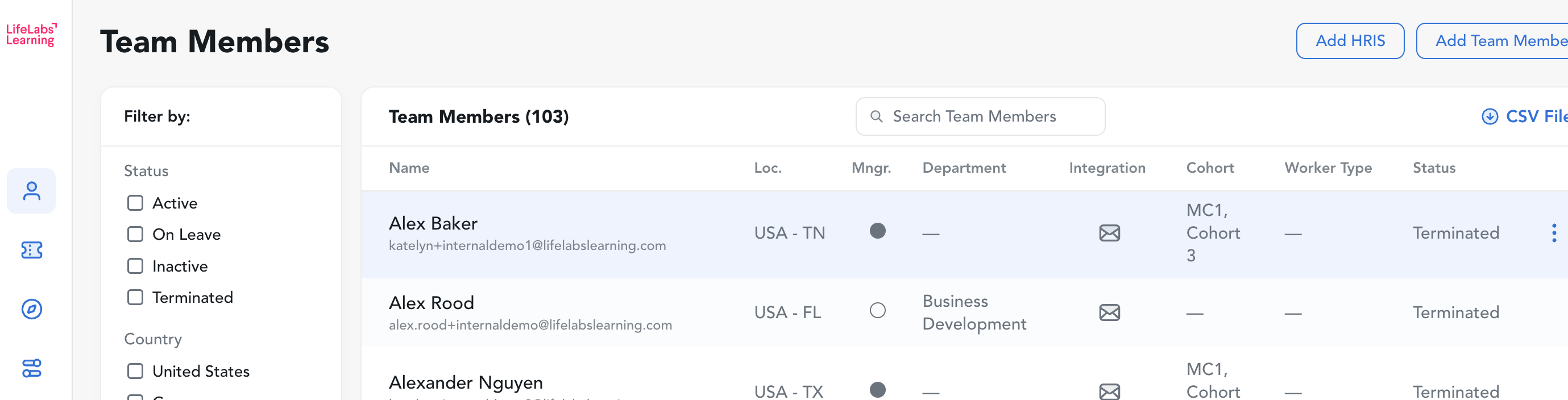
(3) Click the "Download Full Transcript" button in the bottom right corner of the pop up window.
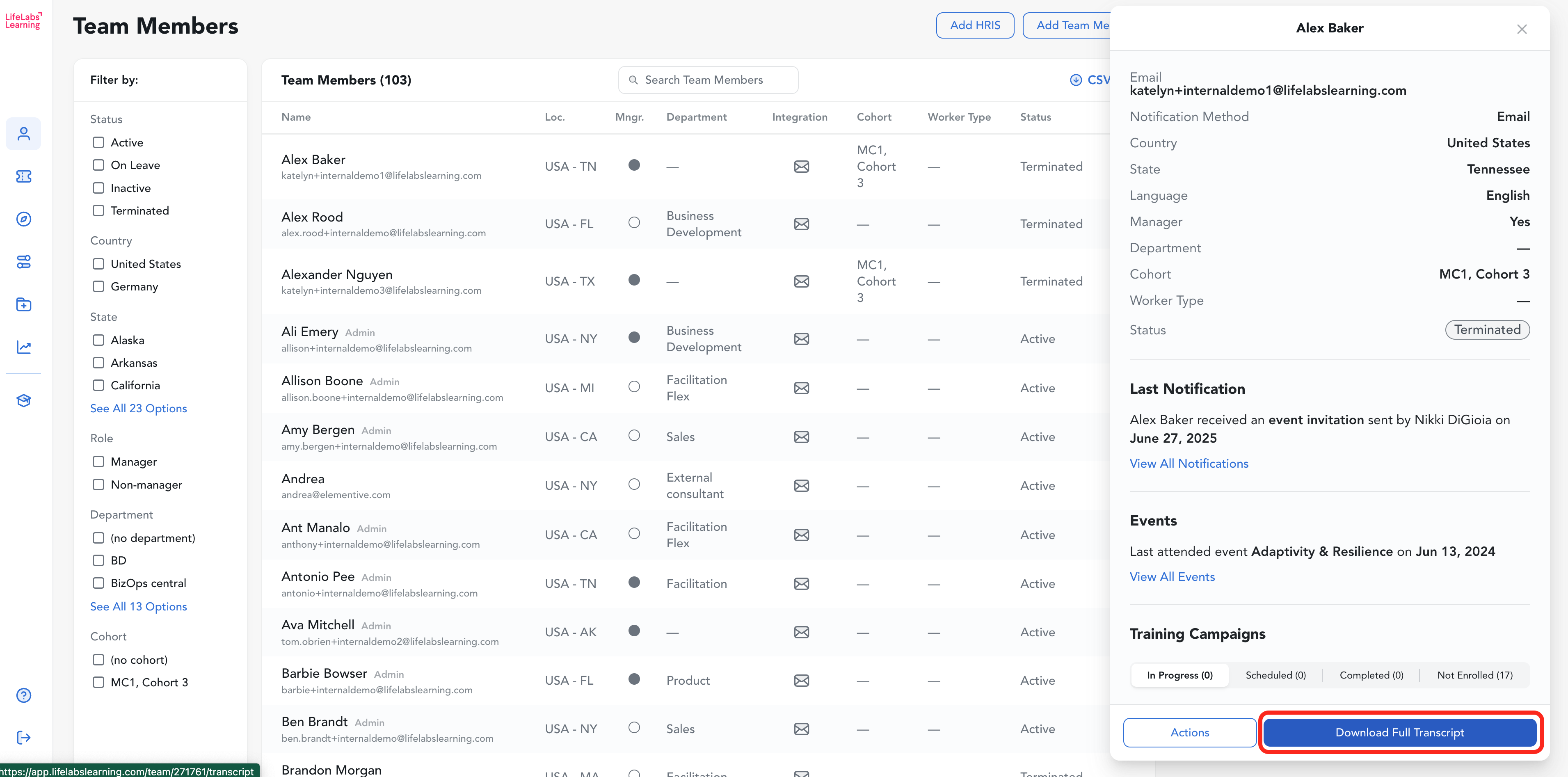
(4) The report of this learner's activity will open in a new tab.
This report includes data on attended events and training both admin assigned and self-completed.

Pro-tip: You can save the URL and any other users at your company with access to the LifeLabs Learning admin hub will be able to access the transcript via that URL!