Supplemental practice content is available for all topics and can be found under the Courses tab and the Resources tab in the Learning Center. Navigate to the related section below to learn more about accessing this content: Courses & Resources
Courses
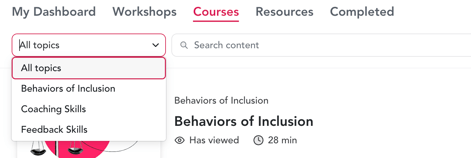
We currently have on demand courses available for three of our workshop topics: Coaching Skills, Feedback Skills and Behaviors of Inclusion.
If none of these topics are associated with your account (either via a private program or a membership) then you will not see any content available under "Courses" so head on over to "Resources" to find additional content for your desired topic.
Navigate to the Courses section in the Learning Center: https://app.lifelabslearning.com/learning/courses
Follow the steps to log in to the LifeLabs Learning Platform, if needed: enter your email address and, if you have an account, you'll receive an email with login link to the learning center.
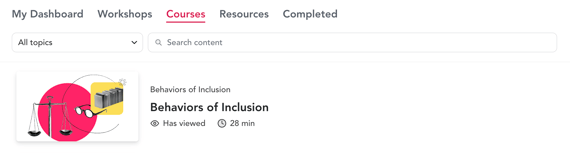
Filter via the dropdown menu, search via the search bar, or simply scroll down the list to find the topic and course of your interest.
Select your desired course and click "Continue" to explore the content.
-
- Click the play button to begin the course
- Click "Continue" as you complete each section to progress through the course material
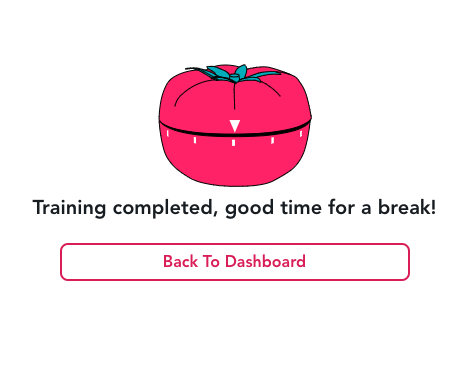
- Once you've reached the end of the course, click "Back to Dashboard"
If you need to exit a course before you complete it, then the next time you access it you'll begin from where you left off!
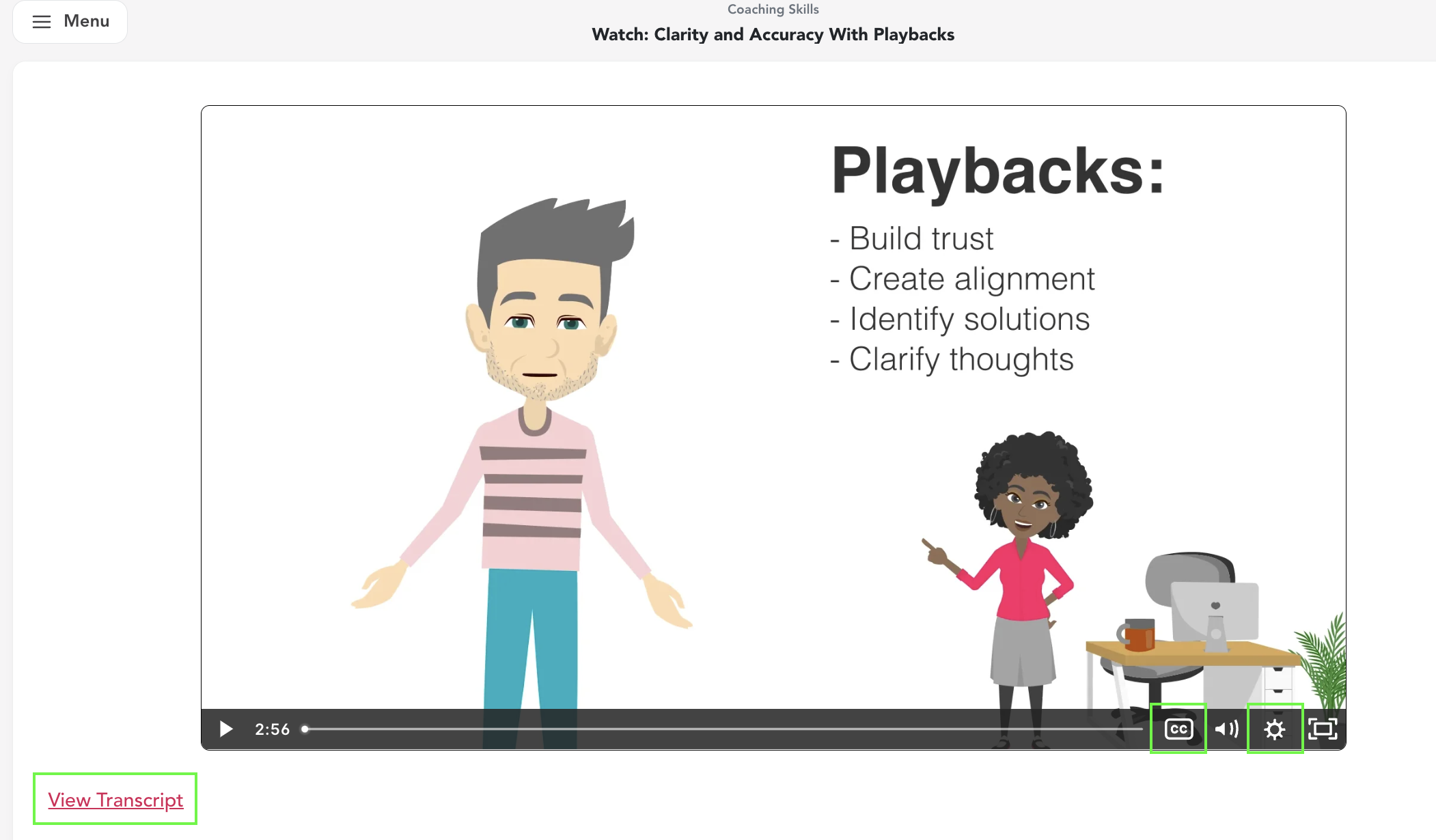
Video Options: Adjust speed and closed captioning settings, or click the "View Transcript" button in the bottom left.
How can I tell which courses I have started or completed?
All courses that you have started and/or completed will have a "has viewed" tag under the course title:

Fully completed courses will be listed in the Completed tab of the Learning Center, along with the date you first completed them.
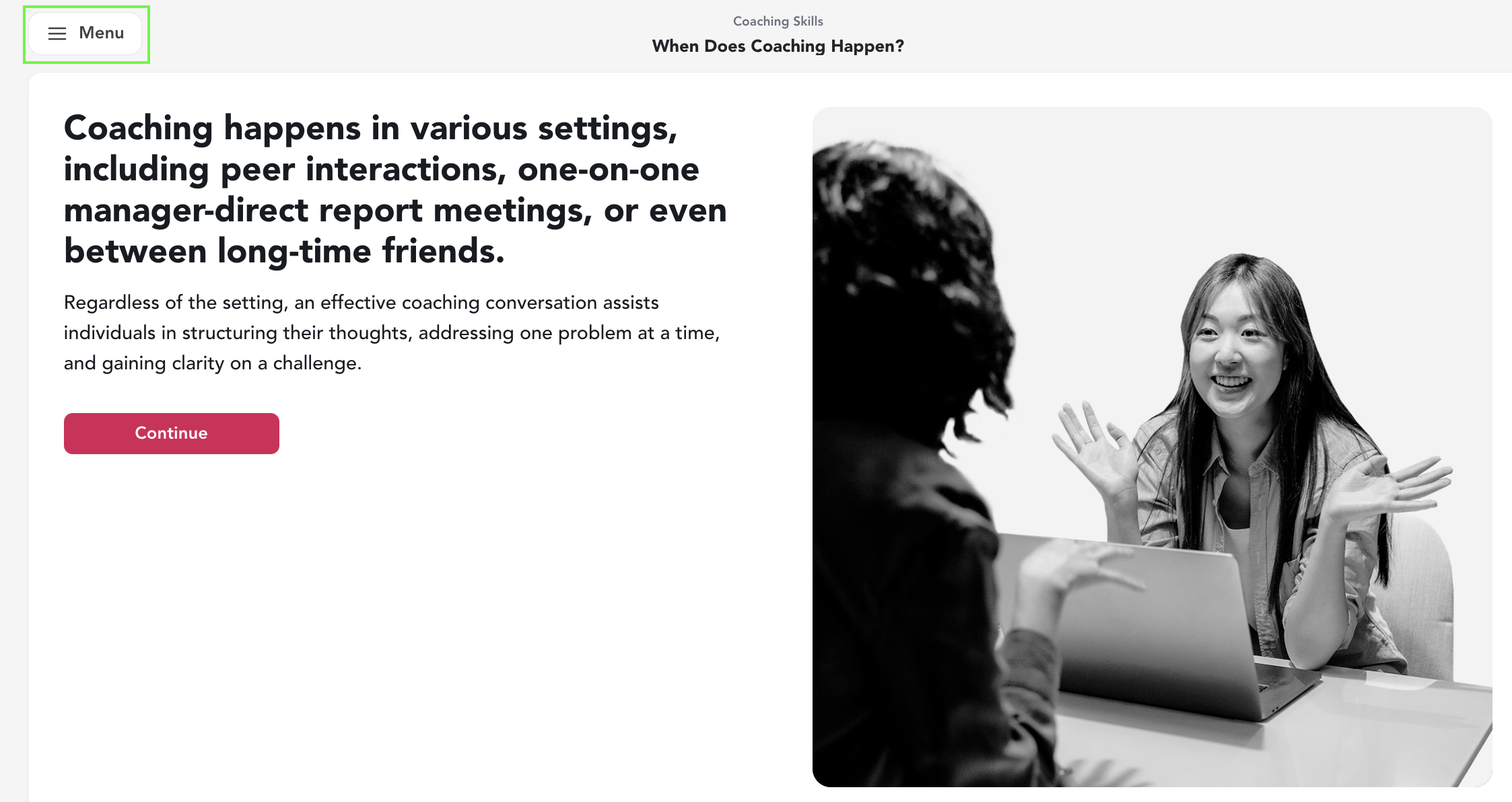
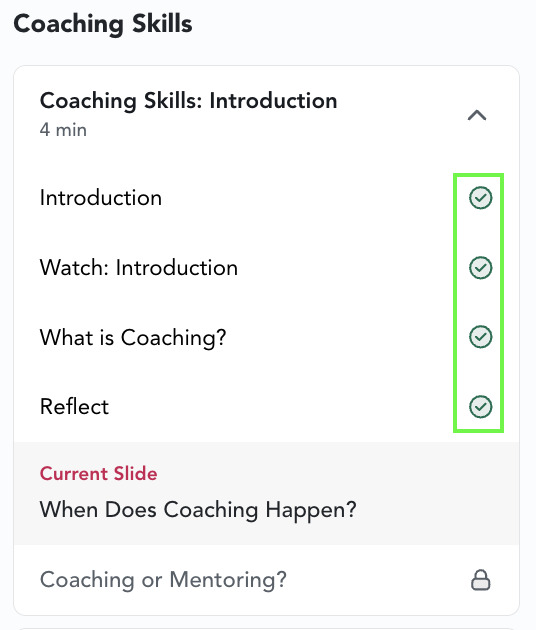
Partially completed courses show your progress within course. Open the course and click to the "Menu" button in the top left; you will see a green check mark next to all of the sections that you have completed, and a locked icon next to sections that still need to be completed.
Resources
The resources include videos, downloadable PDFs, concept explanations, quizzes to test your knowledge, and more ways to continue learning asynchronously.
The resources are available for you to self-engage with, or they may be assigned to you by the learning program admin at your company.
Navigate to the Resources section in the Learning Center: https://app.lifelabslearning.com/learning/resources
Follow the steps to log in to the LifeLabs Learning Platform, if needed: enter your email address and, if you have an account, you'll receive an email with login link to the learning center.
Filter via the dropdown menu, search via the search bar, or simply scroll down the list to find the topic and resource of your interest.
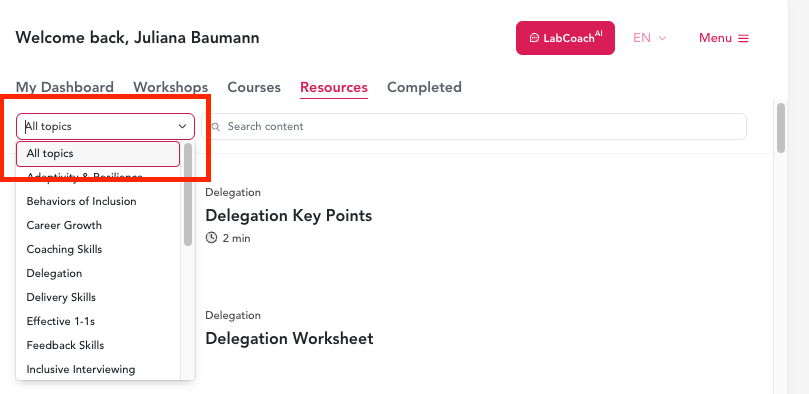
Click into any resource to explore the content.
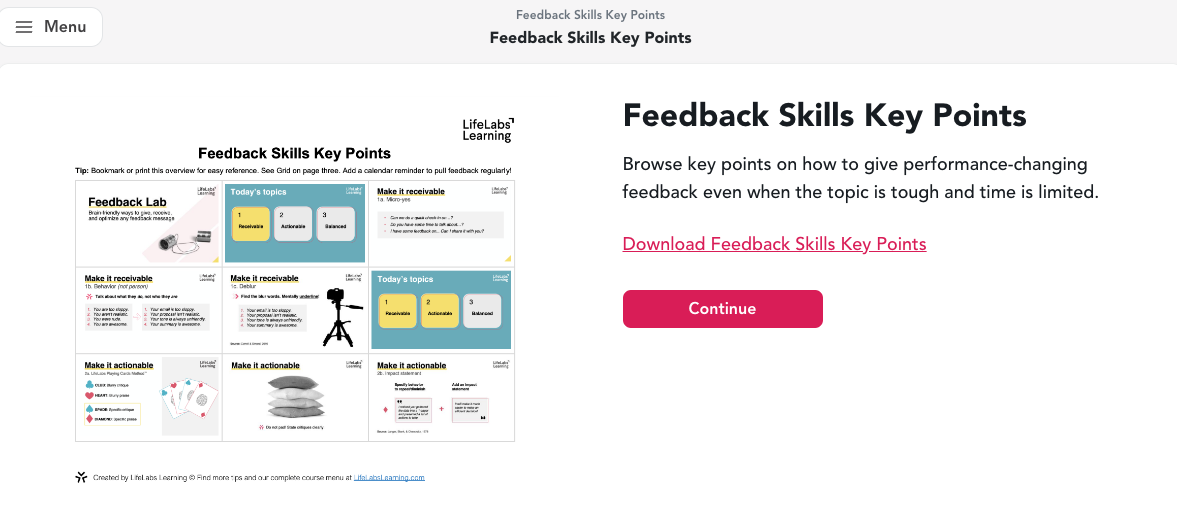
After reviewing the resource, navigate back to the main view of the Learning Center by clicking Continue --> Back to Dashboard.
Note: Completed resources can be found in the "Completed" section of your learning center
Happy learning!
Have questions? Email support@lifelabslearning.com!