The resources include videos, downloadable PDFs, concept explanations, quizzes to test your knowledge, and more ways to continue learning asynchronously.
The resources are available for you to self-engage with, or they may be assigned to you by the learning program admin at your company.
Navigate to the Resources section in the Learning Center: https://app.lifelabslearning.com/learning/resources
Follow the steps to log in to the LifeLabs Learning Platform, if needed: enter your email address and, if you have an account, you'll receive an email with login link to the learning center.
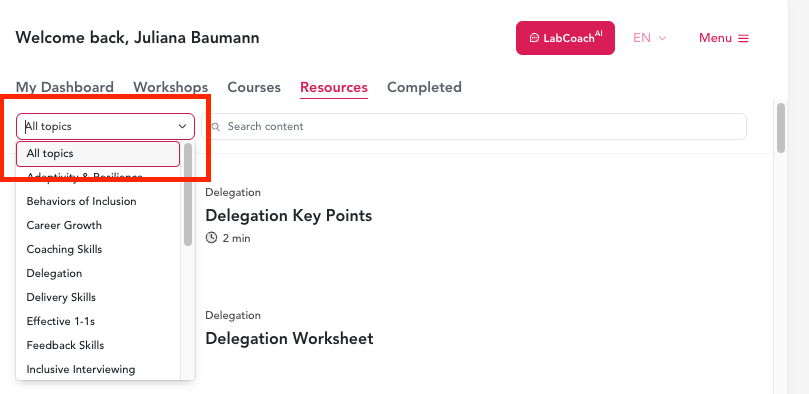
Filter via the dropdown menu, search via the search bar, or simply scroll down the list to find the topic and resource of your interest.
Click into any resource to explore the content.
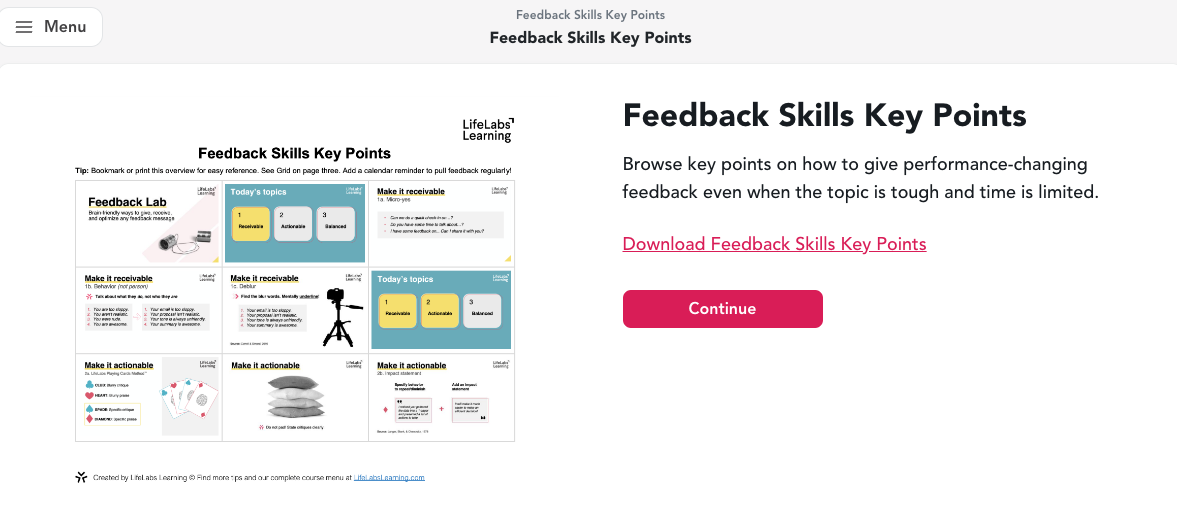
After reviewing the resource, navigate back to the main view of the Learning Center by clicking Continue --> Back to Dashboard.
Note: Completed resources can be found in the "Completed" section of your learning center
Happy learning!